If you are searching for dualshot recorder apk, dual shot recorder apk, or dualshot recorder app android, the most important thing is to know what is official and what is not.
The short version is straightforward: Android is coming soon, and the official APK will be published only through DualShot’s official channels when it is ready.
Why this page exists
APK searches usually mean one of three things:
- You want to install the app on Android.
- You are trying to verify whether a real release exists.
- You are comparing official links with random download mirrors.
This page exists to make that status clear before anyone takes a risk. That is especially important for creator tools, because these apps often need storage, camera, or media permissions. A tampered build can create more problems than it solves.
What is the current status?
At the moment:
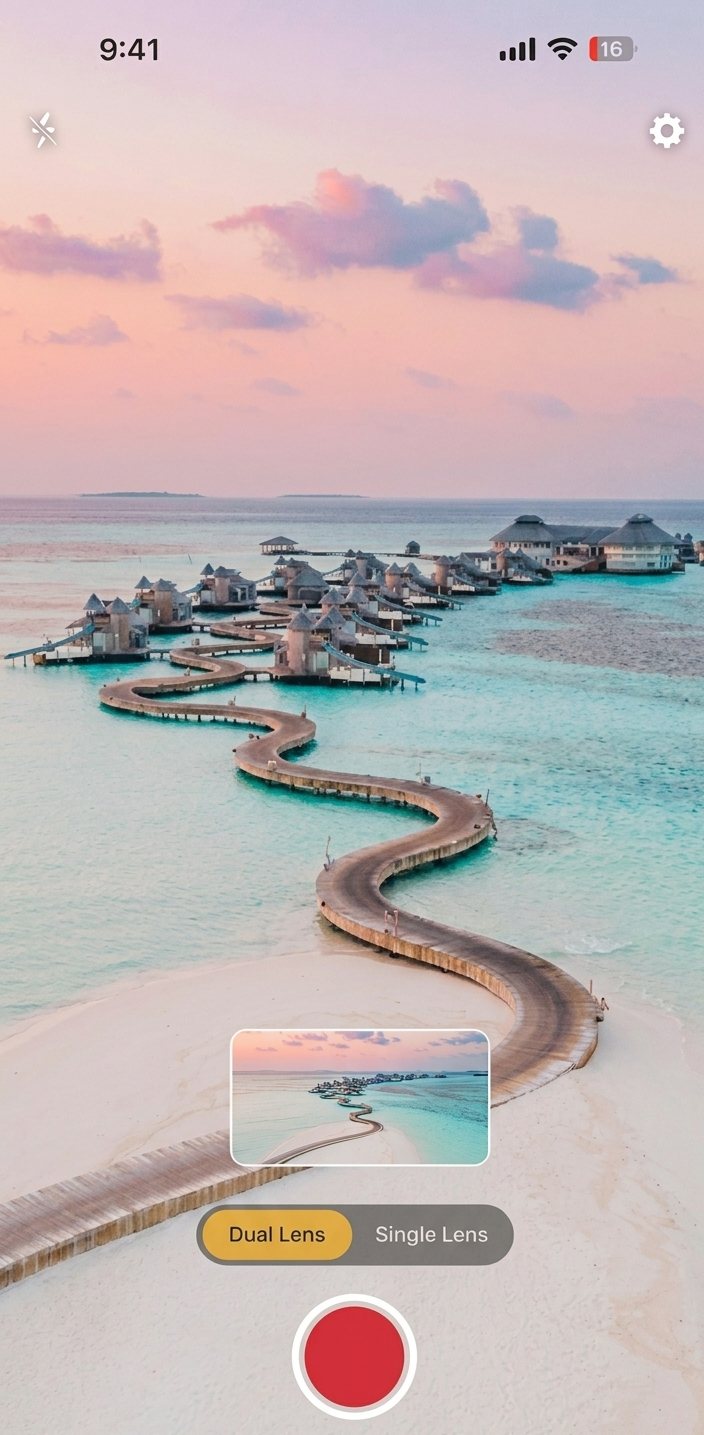
- The iPhone app is available now.
- Android is in development.
- Official APK distribution is not live yet.
- The site will publish Android release updates when they are ready.
That means any mirror, forum upload, or “unlocked” package you find elsewhere should be treated carefully. If it did not come from the official release path, it should not be considered trusted.
Why unofficial APKs are risky
People often underestimate how much trust they give an app when they install it.
With unofficial APKs, the risks include:
- Modified binaries.
- Extra permissions you did not expect.
- Outdated versions that do not match the documented behavior.
- Fake “premium” labels that do not reflect the real product.
- Malware or data collection from a third party.
Those risks are especially bad for recording tools because the app may touch camera files, local storage, or exported media. If the download source is unclear, the problem is not just installation. It is trust.
How to tell whether a release is real
When the Android version goes live, look for signs that it is legitimate:
- The announcement appears on the official DualShot site first.
- The package name matches the release notes.
- Version information is consistent across pages.
- The download path is hosted or linked through the official domain.
- Support contact details match the product site.
If any of those signals are missing, slow down before installing.
What to do while Android is still coming soon
If you need the workflow today, you still have a useful path:
- Use the iPhone app for current capture work.
- Decide how your team will handle Android onboarding later.
- Save this page or the blog feed so you can check release status again.
- Standardize your cross-platform editing template now.
- Keep your release expectations aligned with what the site says, not rumor links.
That way, when the Android version is ready, you are not starting from zero.
Why this keyword matters
There is real search demand behind the terms people use around the Android version.
You may see variations like:
- dualshot recorder apk
- dual shot recorder apk
- dualshot recorder app
- dualshot recorder android
Those searches are usually intent-heavy. People are trying to install something, verify something, or get release clarity. This page should answer that intent directly instead of pretending the APK already exists.
The safest release posture
The safest posture is also the simplest one:
- Keep the iPhone app live and easy to find.
- Publish Android status updates only when they are true.
- Avoid vague download promises.
- Make the official release path obvious once it exists.
That protects users and keeps the brand trustworthy.
What the Android page will likely need later
When the APK is actually ready, the Android page should answer a few basic questions:
- What devices or OS versions are supported?
- What permissions does the app need?
- Is the APK signed and verified?
- Where should users get release notes?
- What should someone do if installation fails?
Planning those answers early is useful because it reduces confusion at launch time.
How this fits the rest of the site
This page should not live in isolation. It should connect to the broader content structure:
- The app introduction page explains what DualShot does.
- The iPhone tutorial shows how to use it.
- The format guide explains how to publish with it.
- This APK status page answers the Android-specific release question.
That internal linking structure helps users move from curiosity to clarity without having to search across unrelated pages.
Simple release checklist for the future
When Android is ready, the release page should make these items obvious:
- Official download source.
- Version number.
- Supported Android versions.
- Changelog or release notes.
- Support contact.
- Security or verification details.
That is the minimum people need to trust the download.
What not to do
Until there is an official APK, avoid these mistakes:
- Promising a download that does not exist yet.
- Linking to third-party mirrors.
- Letting users infer that any APK is safe just because it uses the app name.
- Overloading the page with vague marketing language instead of status clarity.
Status clarity is more helpful than hype.
Final note
If you searched for the APK because you want the Android version, the right move is to follow the official site and wait for the real release. That keeps you safe and ensures you install the correct build when it ships.
Need the iPhone workflow today?
DualShot is already available on iPhone. Use it now, and keep this page bookmarked for the Android release update.